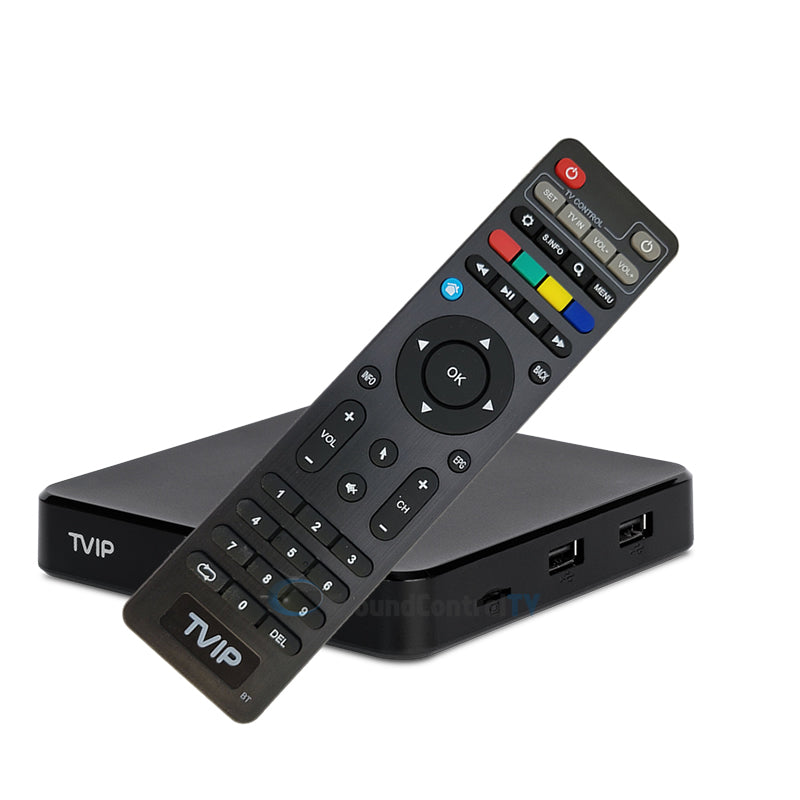
BuzzTV BT400 Remote Control
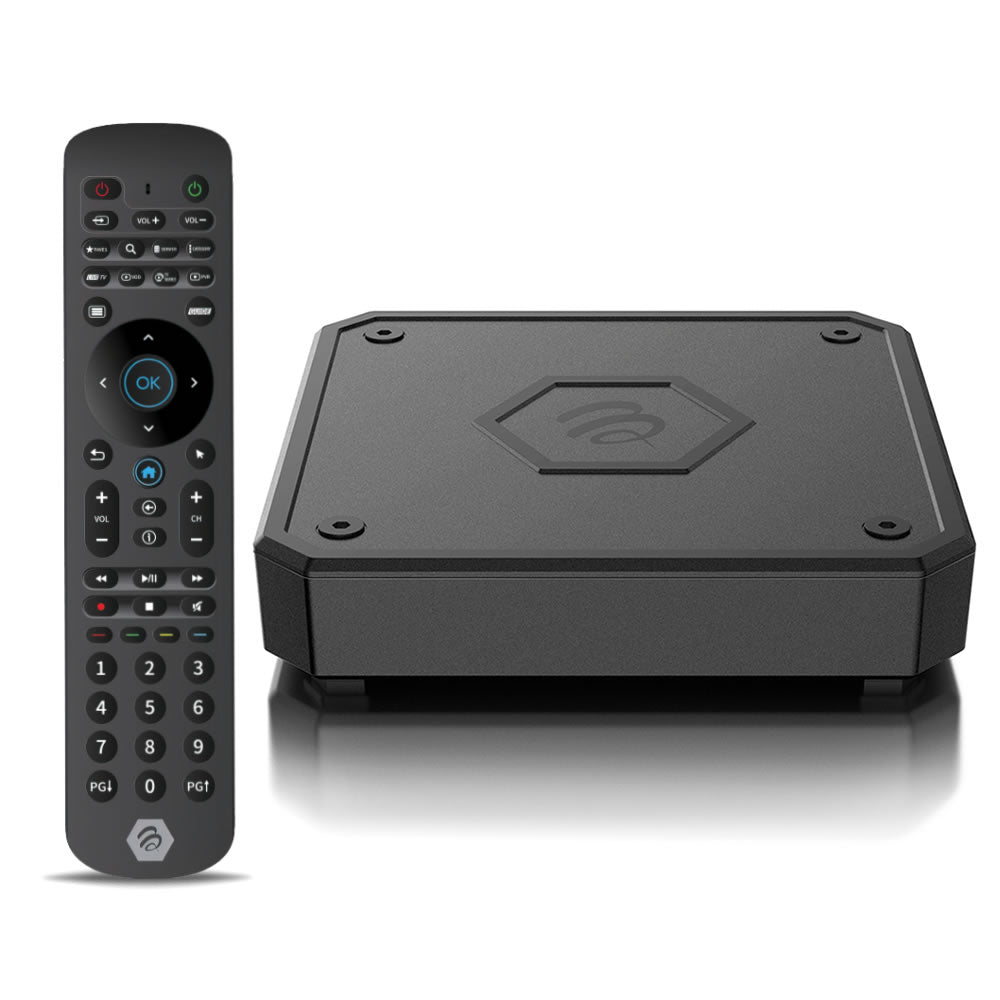
The BuzzTV BT400 is the official flagship remote designed for the X5, U5, and HD5 series. It represents a major leap in hardware, offering Bluetooth connectivity that allows you to control your box without needing a direct line-of-sight—perfect for setups where the device is tucked away in a cabinet or behind the TV.
This "Smart Remote" works in tandem with the BuzzTV Smart Remote App, giving you deeper control over your setup, including the ability to view battery percentages, update remote firmware, and customize the four dedicated color shortcut keys.
Key Features
-
Advanced Bluetooth Pairing: Provides a faster, more responsive connection with an improved range of up to 50% compared to previous models.
-
Smart App Integration: Use the BuzzTV Smart Remote App to toggle the backlight, check battery levels, and program app shortcuts.
-
TV Source Pairing: Easily pair the remote to your television to control Power, Volume, and Input Source, eliminating the need for multiple controllers.
-
Ergonomic & Durable: Features a refined grip and strategically placed tactile buttons tested for long-term heavy use.
-
Low-Light Visibility: Integrated LED backlighting ensures you can navigate your favorite apps even in a pitch-black home theater.
-
Static Mouse Mode: Includes a dedicated button to enable a cursor for navigating non-TV optimized applications.
Technical Specifications
| Feature | Details |
| Model | BT-400 Smart Remote |
| Connectivity | Bluetooth & Infrared (IR) |
| Compatibility | BuzzTV X5, U5, and HD5 Series (Primary Support) |
| Backward Compatibility | Functions as a replacement for BT-300 remotes |
| Special Buttons | 4 Programmable Color Keys, Guide, VOD, Live, Mouse |
| Battery Level Monitoring | Yes (Via BuzzTV Smart Remote App) |
| Backlight Control | Manual toggle or App-controlled |
| Power Supply | 2 x AAA Batteries (Not included) |
| Material | High-quality ABS with ergonomic grip |
What’s in the Box?
-
BuzzTV BT400 Bluetooth Smart Remote
-
Quick Start Guide